WRITTEN ARTICLE · SHAMAN TOTEM RECOVERY
WoW Forever missing Shaman totems: how to get them back
Blizzard has deployed a fix for Shaman totems lost in Monday’s server crash. Make bag space and log out and back in. Call of Water has a separate quest fix.
The missing-totem fix is deployed in all regions
If your Shaman lost a totem item during Monday’s WoW Forever server crash, Blizzard says it should now be restored to your bag. Community Manager Kaivax confirmed the fix has been deployed to all regions.
The important step for affected players who are already online is to leave room in their bags, then log out and back in. This is Blizzard’s restoration process for the crash-related loss. It is not an instruction to repeat the original class quest.
In this article
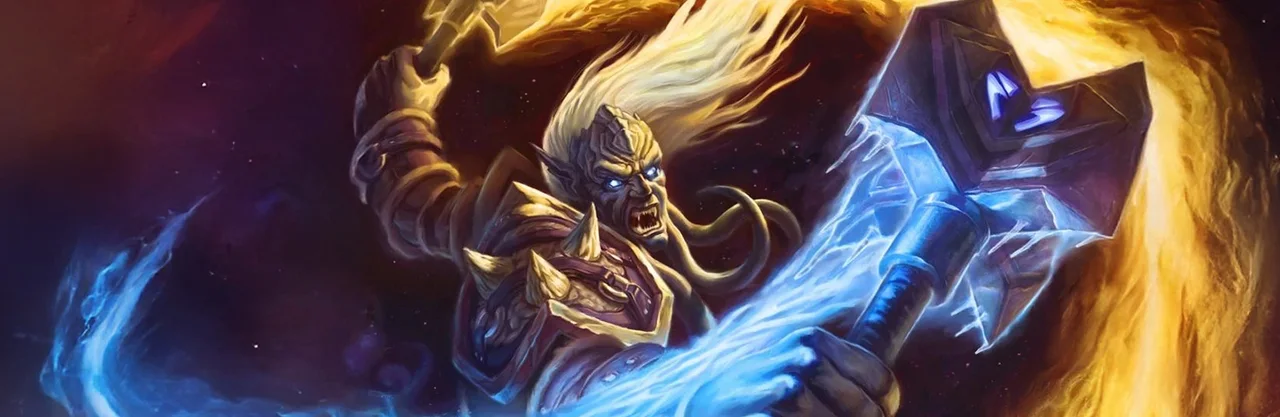
Image published by Wowhead. World of Warcraft imagery © Blizzard Entertainment.
What to do when a totem is missing
Before heading back out, follow the steps in Blizzard’s reply. It specifically calls out free bag space and a fresh login for characters already in-game.
- Make sure you have free bag space.
- Log out and back in on the affected Shaman.
- Check your bags for the restored totem item.
- Try the affected ability again before resuming your quest route.
This applies to items lost in the crash
The original bug report describes a Fire Totem disappearing after the server problems. The player says the normal lost-item route did not recover it and neither the trainer nor repeating the quest provided a replacement. Kaivax’s reply addresses Shamans who lost a totem because of that crash.
An item that disappeared during the incident is different from a totem your character has not yet earned. The announcement does not say it grants unfinished class-quest rewards or restores every item lost for any reason.
If your totem is still absent after making space and logging back in, our suggestion is to add the missing item name, the timing and the steps you tried to a bug report. Avoid including private account information. Those details help distinguish an unresolved restoration problem from a different quest or inventory issue.
Call of Water has a separate quest fix
The November 10 hotfix list also addresses events at the end of the Call of Water quests that did not consistently play out correctly. That is a quest-event correction, separate from putting a previously earned totem back into a bag.
If you are still completing Call of Water, check your current objective and retry the affected interaction. Do not abandon the chain simply because the lost-totem announcement mentions logging back in. The two fixes cover different problems.
Missing items and class tuning are different changes
Enhancement also received balance changes in the November 10 notes. Recovering a missing totem does not reverse those changes, and a spell behaving differently after the patch does not by itself mean your item is missing.
Once your inventory is restored, use the current tuning notes to check weapon imbues, Stormstrike and Maelstrom Weapon. That keeps inventory troubleshooting separate from reviewing your build.
Related reading and guides
Sources and review notes
Checked November 11 against Blizzard’s published changes. Practical suggestions are our advice, not independent in-game testing.