
HELP · WISP LANGUAGE COMPATIBILITY
Using Wisp on a non-English game client
Wisp now handles more quest-helper features on non-English WoW Forever clients. Learn what changed, what stays English and what to check when targeting fails.
You can keep the game in your language
Wisp 1.3.3 added fixes for non-English game clients, including German, French, Spanish and Russian. They are also included in 1.4.0. Target buttons, kill-objective tracking and live talent guidance no longer rely on English names in the same way.
The guide instructions and Wisp interface still use English. This is a compatibility update, not a translated guide pack.
On this page
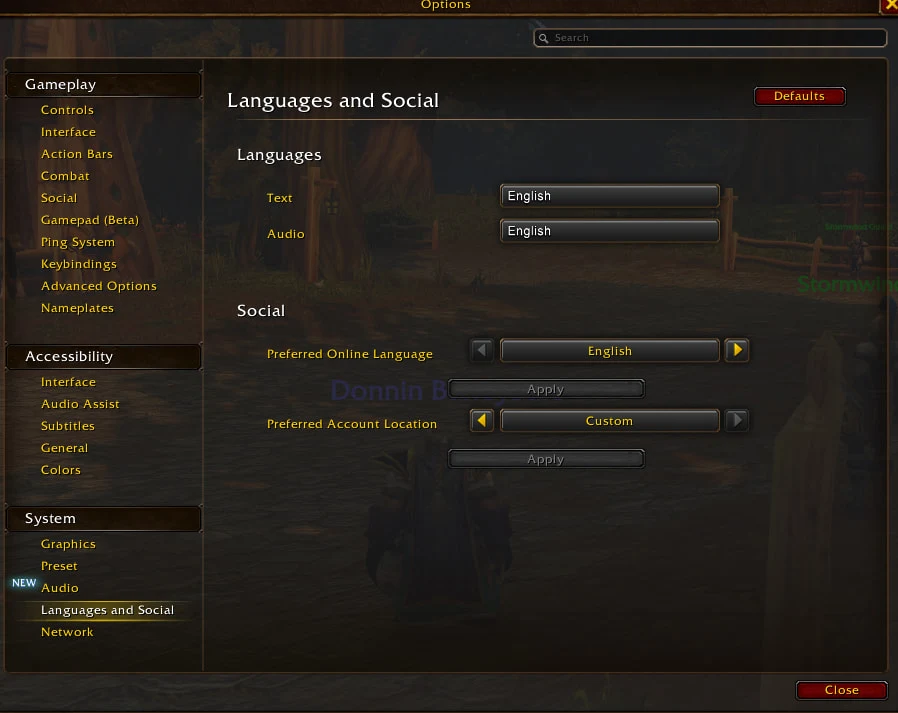
Image © Blizzard Entertainment.
What changed for questing?
The update addresses several places where the game’s translated names previously stopped a guide feature from working.
| Feature | What the update changes |
|---|---|
| Target buttons and underlined NPC names | Uses the NPC name supplied by your game client. |
| Kill objectives | Reads the objective using the game’s own localized wording. |
| Talent guidance | Matches the live tree by talent position and rank count. |
| Set your hearthstone | Can recognise an existing home while you are standing at the inn. |
| Nearby guides | Accounts for the game’s localized zone name when sorting. |
If a Target button is missing
First check your Wisp version and update if you are running an older copy. When the game has not loaded an NPC’s name yet, the initial lookup may return nothing. The addon retries after about two seconds, so a button can appear a moment later.
If it still fails, select the NPC normally and compare your quest log with the guide instruction. Do not change your game language or abandon a quest just to force a targeting shortcut to appear.
Send us the NPC, quest, client language, addon version and guide step. A screenshot showing the translated name and the instruction helps us reproduce the mismatch.
What still uses English?
Quest-object tooltips on world objects, some hand-written enemy lists and some Use item on target labels remain English-only. The update does not translate the route’s written directions.
Testing covered automated checks and an English game client with the new lookup paths enabled. The release record does not claim a completed playthrough on a non-English client. Treat a specific mismatch as something to report, rather than assuming every language has been fully verified.
Client language and social language are separate
This article concerns how Wisp reads names and objectives from your game client. WoW Forever’s Preferred Online Language setting is a different control. Changing it is not an addon repair step.
If your problem is a quiet city or an unexpected social language, use the separate settings guide. Keeping those issues apart makes troubleshooting much less confusing.
See the guide before installing
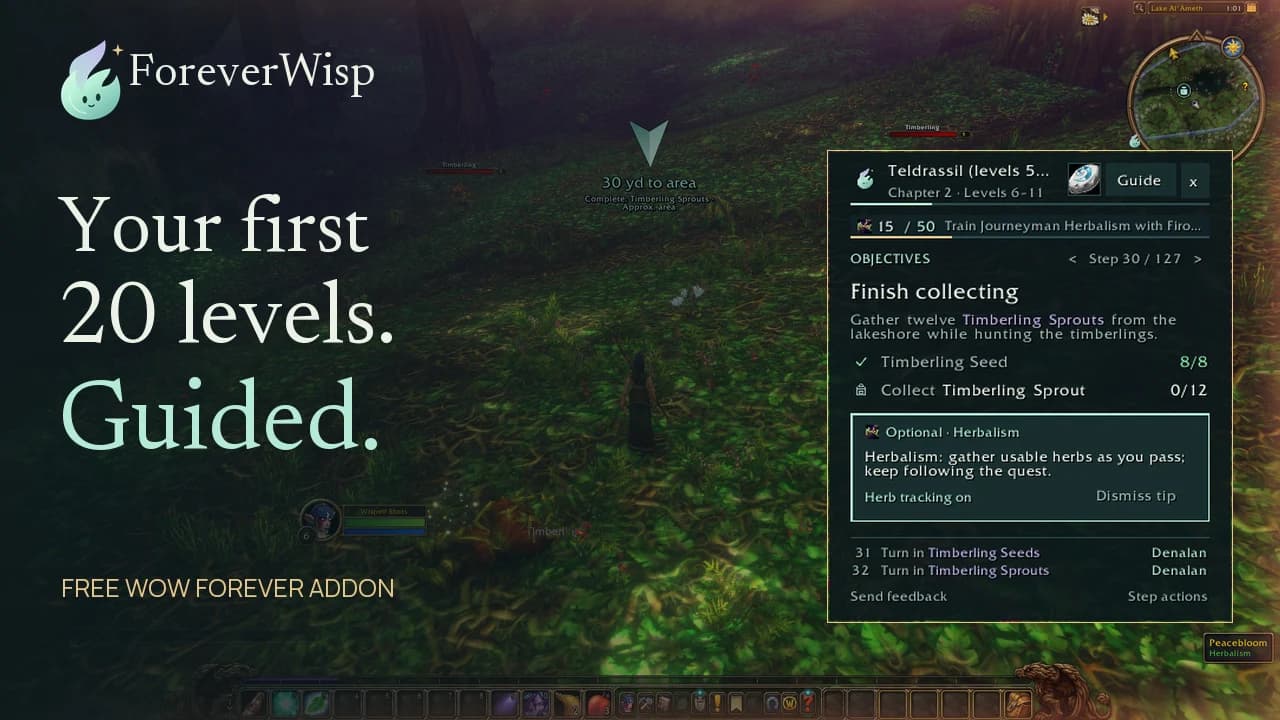
Our overview demonstrates the English interface and the main guide tools. It is not a demonstration of every language supported by the new lookup paths.
Related reading and guides
Sources and review notes
Reviewed November 6 using the Wisp 1.3.3 release record and current 1.4.0 release. Guide text remains English. A real non-English playthrough is still unverified in those records.