WRITTEN ARTICLE · INTERFACE SETUP
WoW Forever Cooldown Manager: how to enable it and what it tracks
Enable the built-in WoW Forever Cooldown Manager, check supported classes and known tracking limits, and understand how it differs from a leveling addon.
World of Warcraft imagery © Blizzard Entertainment. Source: Blizzard Entertainment.
How to enable the Cooldown Manager
Open Options and look under Gameplay Enhancement. The feature starts disabled. Blizzard currently lists Druid, Mage, Priest, Warrior and Warlock for testing, with more classes to follow.
Use it to bring important combat information closer to where you already look. Start with a few useful abilities instead of filling every available space.
Why a spell may be missing
Spell ranks are not supported yet. Blizzard also lists gaps for pet cooldowns, Healthstones and Arcane Blast. A missing indicator therefore does not automatically mean an addon conflict.
Give it a clear place on your screen
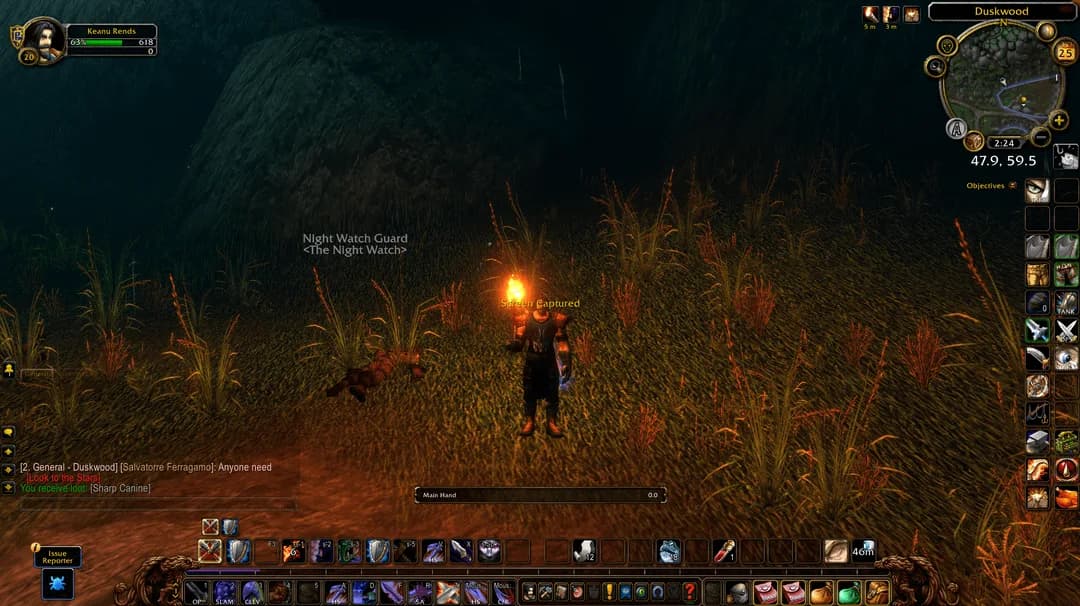
Our suggestion is to keep combat information near your character and put route instructions somewhere you can glance at between pulls. Leave enough room to see enemies and ground effects.
Try the layout on familiar enemies first. If you spend more time reading the display than watching the fight, reduce what you show. A tidy arrangement you recognise is more useful than a crowded one copied from somebody else.
Does this replace a leveling addon?
Cooldown tracking tells you about abilities during a fight. A leveling guide tells you which quest step comes next and where to go. You can decide whether you need either, both or neither.
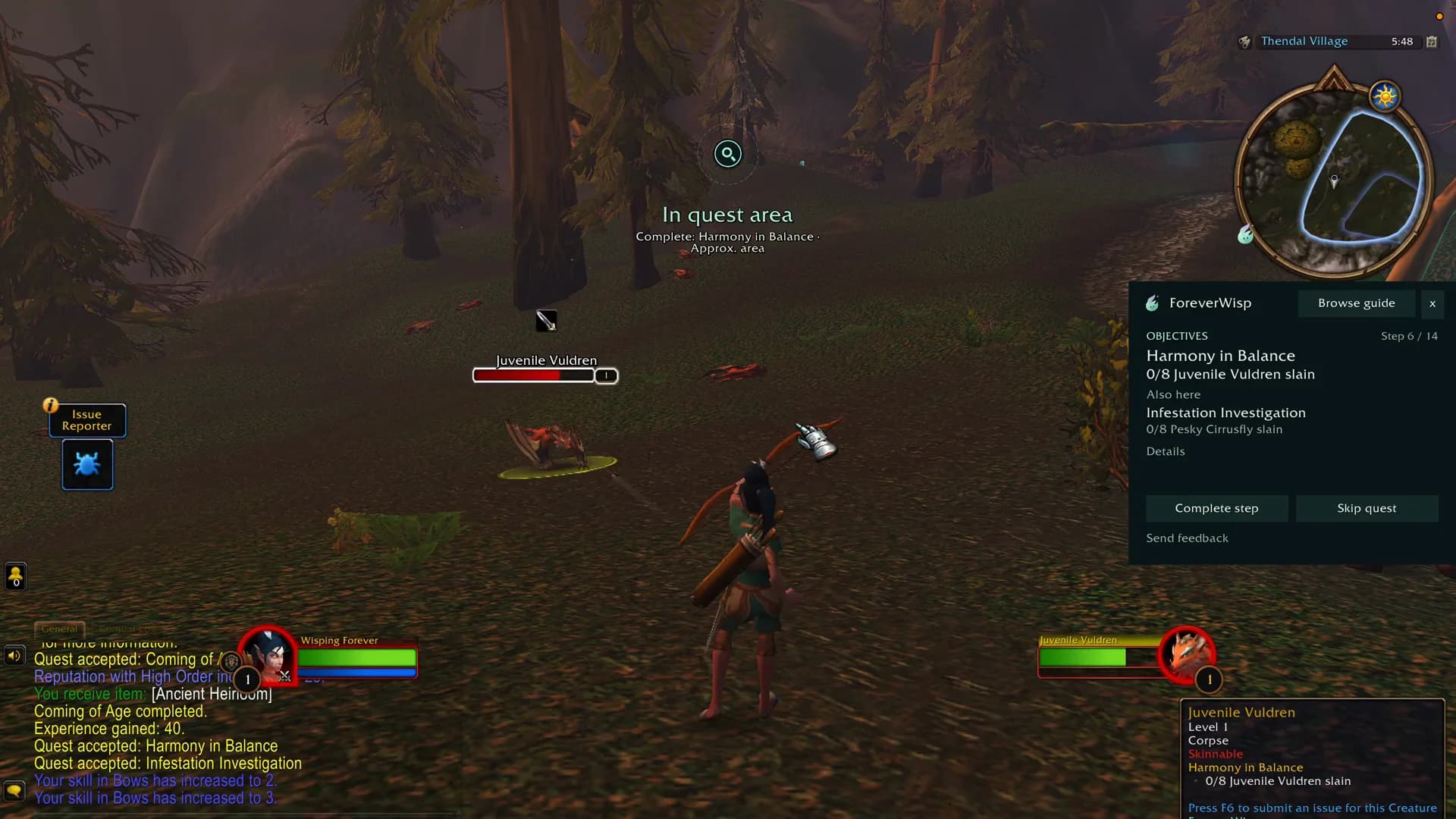
Wisp’s walkthrough shows its route guidance. It does not claim to replace Blizzard’s combat display, and this article is not a compatibility test between the two.
Make missing-spell feedback specific
When reporting a tracking problem, include your class, level, spell name and rank. Say what you expected to see and whether the spell itself worked. A short recording can make the difference between an unclear complaint and a repeatable issue.
If the problem affects an ability outside the current test coverage, keep using the ordinary action bar as your reference while the feature develops.
Related reading and guides
Sources and review notes
Reviewed 25 September. Sources and demonstrations are linked below. Practical suggestions are our editorial advice, not comparative addon or leveling-speed tests.