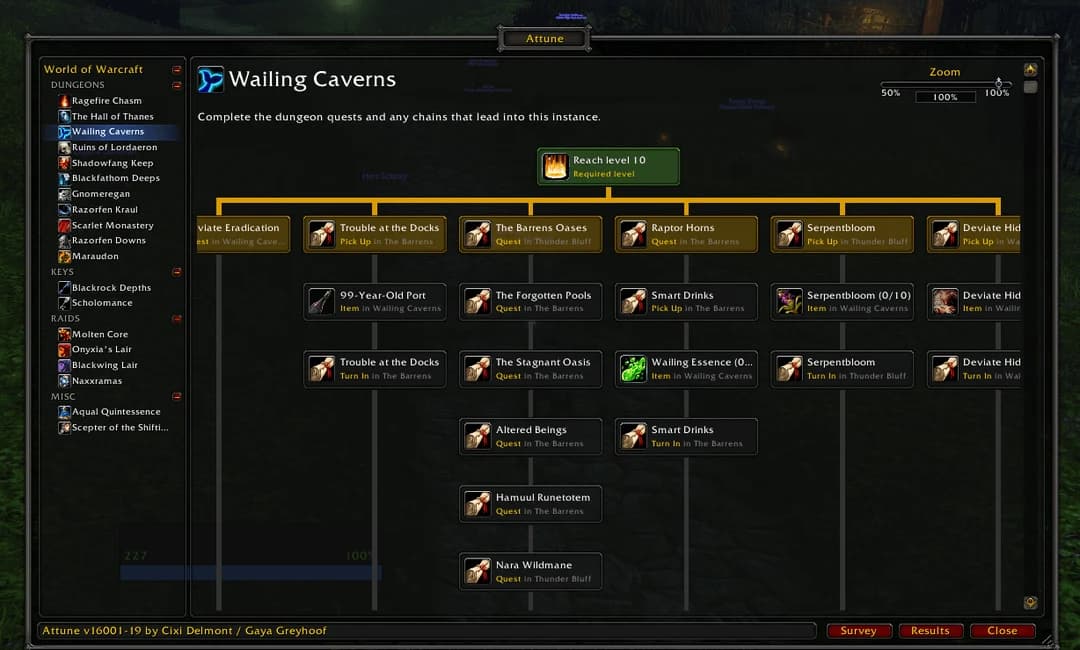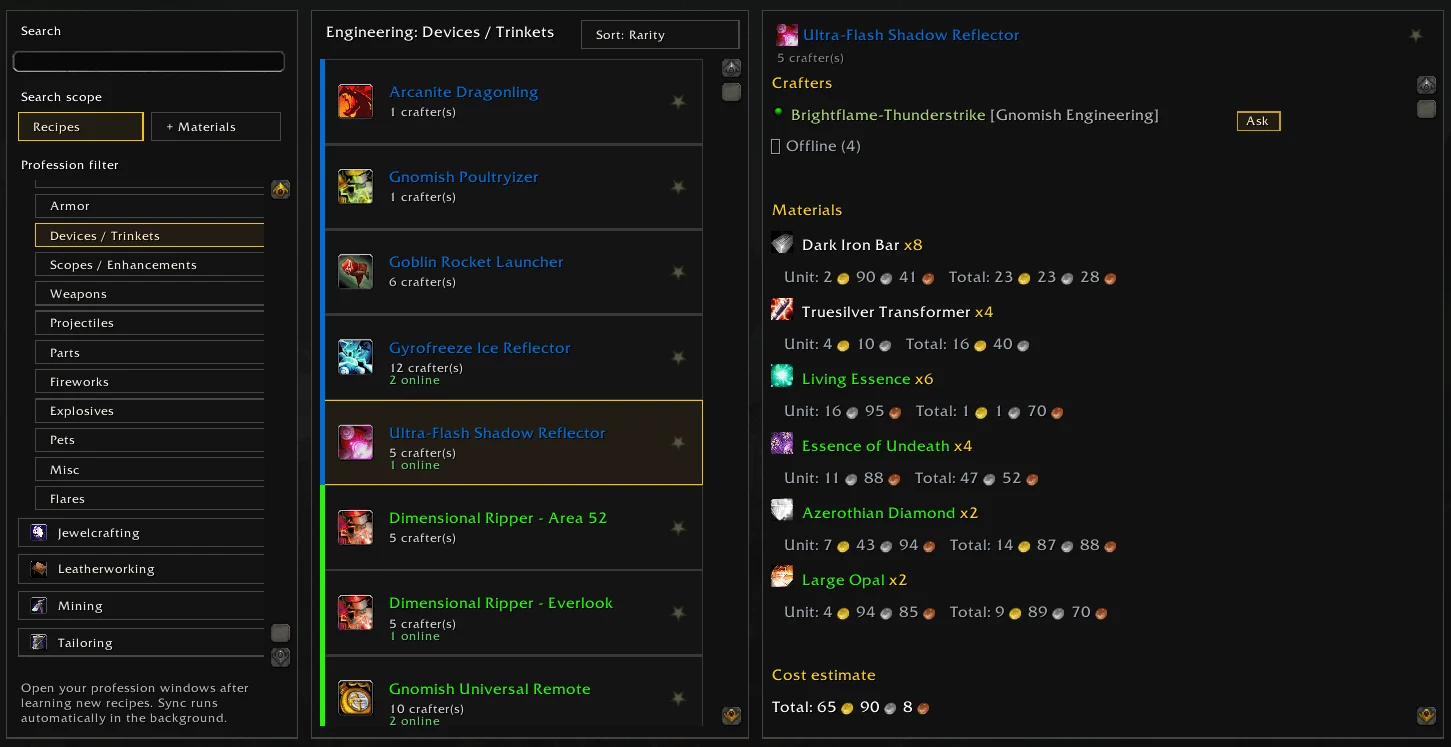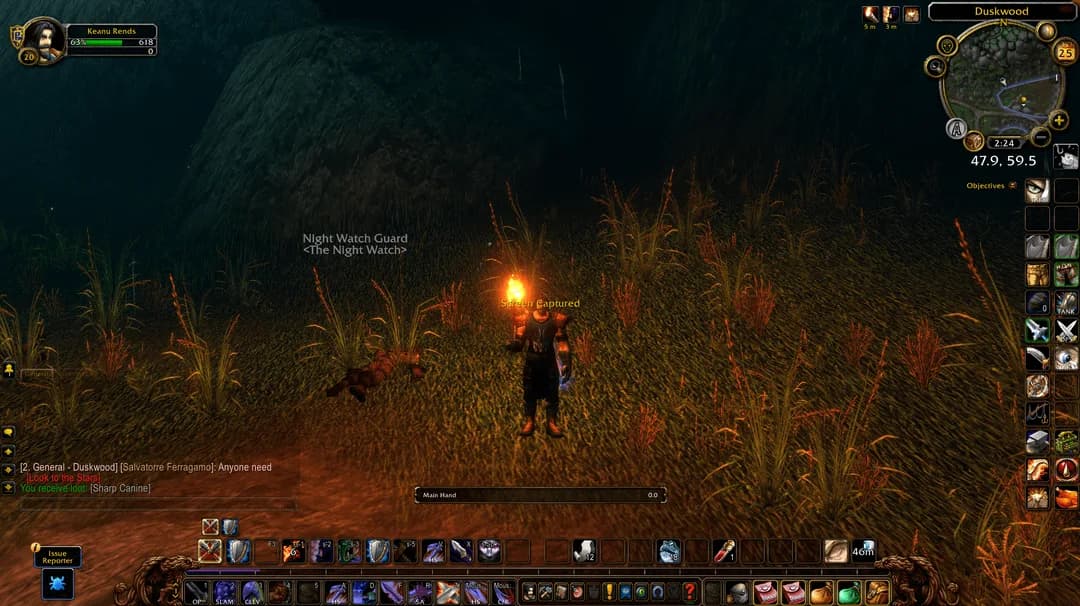
WRITTEN ARTICLE · QUEST HELPERS
WoW Forever quest helper addons: which one do you need?
Choose a WoW Forever quest helper for quest targets, map markers or a guided route. Compare Wisp, official Questie, Quester and trackers, with setup advice.
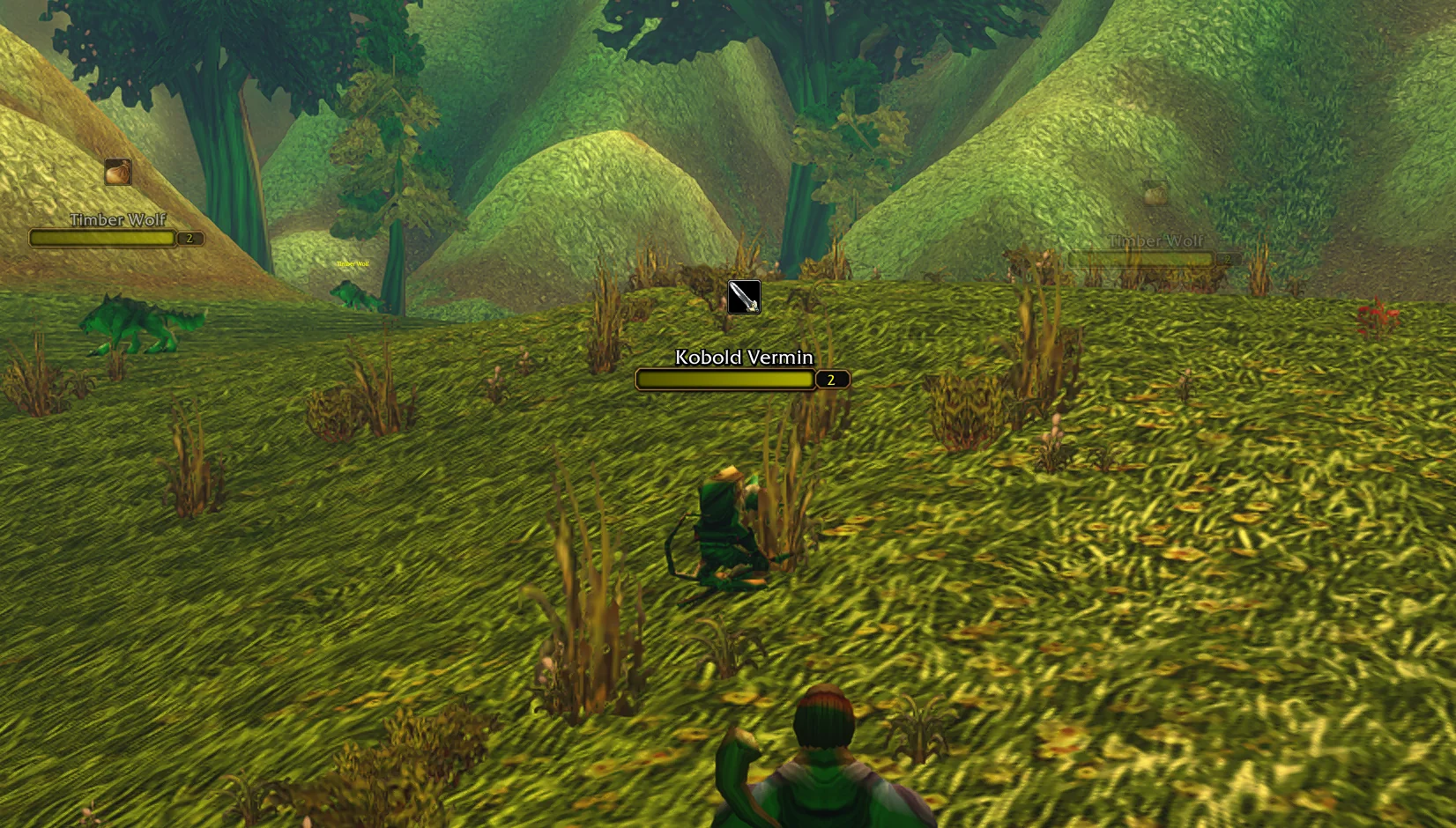
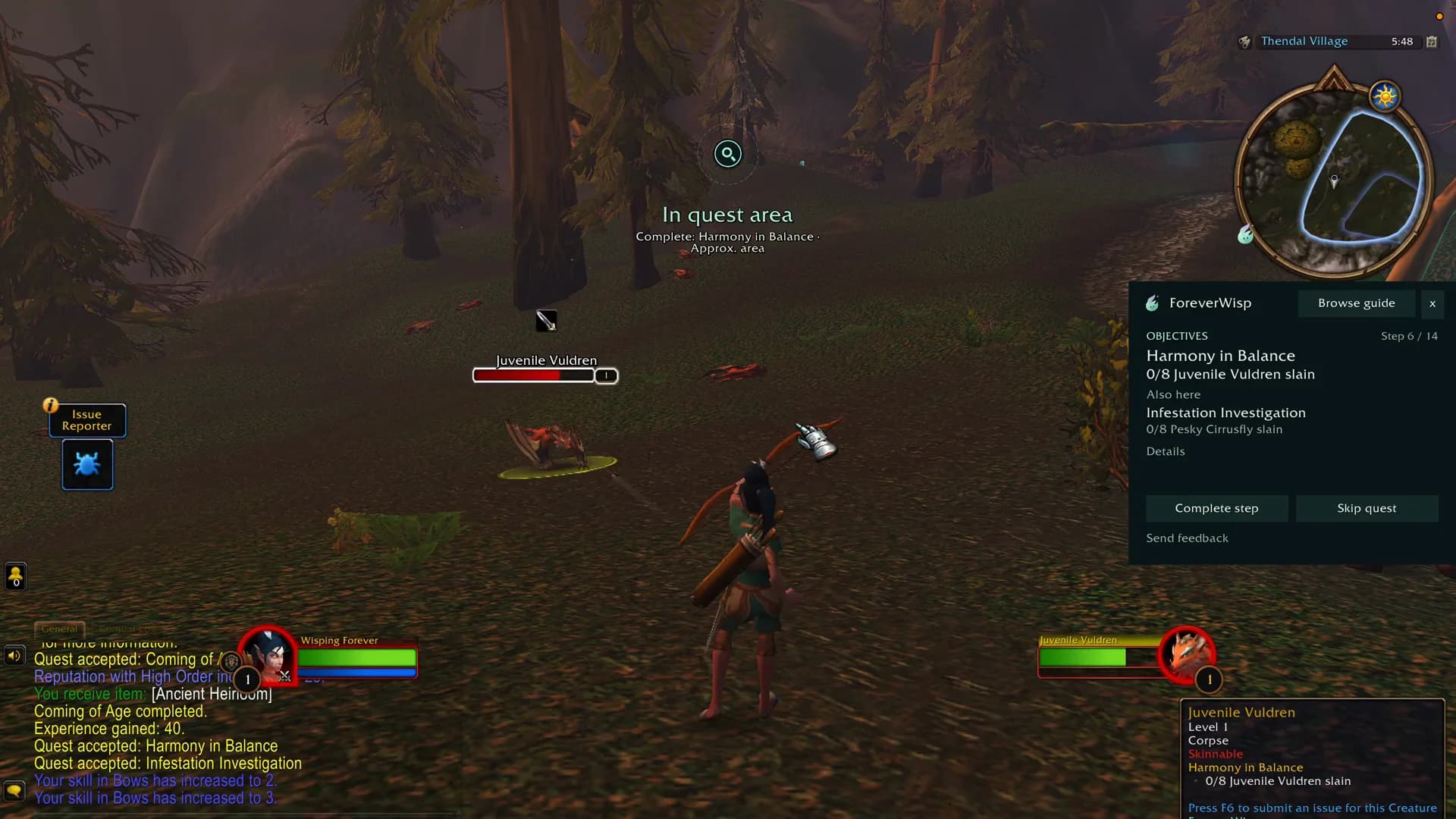
ForeverWisp beta screenshot, captured 18 September 2026. Game © Blizzard Entertainment.
Which WoW Forever quest helper should you choose?
Choose a quest helper around what you want help with. Wisp gives you an ordered guide and directions for supported routes. Questie adds quest locations to the map. Quester helps you find relevant enemies from your active objectives. A tracker focuses on keeping your quest list readable.
We make Wisp. The screenshots here are from our own beta testing, while the third-party descriptions come from their authors. Check the current release and supported game version before installing.
| What you need | Option to consider | What to check |
|---|---|---|
| A route to follow | ForeverWisp: guide steps, navigation and quest clues. | Check the guide catalogue for your race, class and level range. |
| Help targeting quest enemies | Quester Forever: target icons and a quest-target macro. | Collection targets depend on information learned from NPC tooltips. |
| Quest markers on the map | Official Questie now supports Forever. | Version 12.0.1 does not yet include the new Forever quest content. |
| A clearer objective list | Bleakfiber’s Quest Tracker: see the dated release notes below. | Check the author’s current release and tracker settings. |
Quester Forever: help finding enemies for active quests
Quester’s author describes a compact target bar and a QuesterTarget macro built from active quest objectives. For collection quests, it can learn an enemy’s association with a quest when you target or mouse over that enemy and the game supplies an unambiguous quest tooltip.
This is help with your current objectives, rather than an authored leveling route. Unknown collection targets need to be encountered first. The macro needs a free global macro slot, has a size limit and runs through your own click or key press. The author also documents optional quest acceptance and turn-in, with Shift to keep those interactions manual.
Official Questie now supports WoW Forever
The main Questie project released version 12.0.1 on September 25. CurseForge lists its v12.0.1+v1.0.3 bundle for Forever client 1.60.1. The second version number belongs to QuestieDB, which supplies its quest data.
The team says new Forever quests and townsfolk are not included yet. That means a working installation can still lack a marker for a new objective. Read the quest text before treating a blank map as a broken quest.
Our earlier comparison covered a separate project named Questie Forever, using beta patch v27. Its old limitations should not be read as a review of the official release. Use the main Questie project linked here and check which addon you have installed.
Tracker moving after a reload? Check the September 18 fix
Bleakfiber’s Quest Tracker for Forever published version 1.0.2 for game version 1.60.1 on September 18. That changelog reports a fix for the frame returning to its default position after /reload, along with changes to saving settings and window coordinates.
The author describes zone grouping, quest-item buttons, party progress sharing and optional TomTom navigation. We have checked the release listing, not playtested the addon. If your tracker keeps moving, check your installed version against that changelog before rebuilding your whole interface.
What a levelling guide adds to the quest list
Take a simple session in Northshire. You accept a quest, head to its objective and return to hand it in. A route keeps that sequence together and tells you which step comes next. You can spend more of the session in the world and less of it checking another window.
Our one-minute walkthrough shows how Wisp keeps quest guidance and navigation beside you in game. The free beta includes eight starting routes towards level 20.
Leave room for professions and the people you play with
An in-game guide can do more than point you towards the next level. Wisp is being built for levelling, professions and attunements, with optional profession stops woven into supported routes. Gathering reminders should fit around your quests rather than hold up the whole session.
Party progress sharing and optional waiting help you see whether friends are ready to move on. They do not complete quests for another player. Before choosing any guide, check the actual route coverage for your faction, class and professions, as well as the features of the panel itself.
Quest helper not working or markers missing?
First identify what is missing: the addon itself, the quest list, a map marker or the next guide step. Those are different problems. A missing marker alone does not show that a quest is unavailable.
| Symptom | First check |
|---|---|
| Addon does not appear | Check that you installed a Forever-compatible release in the client you actually launch. Follow the installation guide and restart the game. |
| Quest list is hidden | Check your tracker visibility settings and whether another addon is hiding the default tracker. |
| An objective has no marker | Read the quest text and prerequisites, then check that addon’s current known issues. New beta quests may not have complete addon data. |
| Guide points at an unexpected step | Check the selected guide, character requirements and your quest progress before skipping steps. |
| Two addons accept or turn in quests | Enable those options in one addon at a time so you can identify which is acting. |
Try one change at a time
Before adding another quest tool, write down what you want it to improve. Check a short quest chain with your current setup, then repeat with the new addon. Look at readability, navigation and whether your settings survive a reload.
If two panels cover the same objectives, choose which one you want to use. Keep a note of the settings you change. A smaller, understandable setup is easier to troubleshoot when the beta updates.
Want to follow a guide with Wisp?
ForeverWisp makes Wisp, so this is our own product guide. The public beta includes eight starting-area routes towards level 20. Check the current beta status for reported problems, route and class testing, and saving updates. The screenshots show an earlier development build.
Download the public beta from the addon page, then use the installation guide to get it into the right game folder. Browse the written race routes if you want to see the steps before playing. Blizzard beta access is separate from downloading Wisp.
Related reading and guides
Sources and review notes
- Quester Forever: author’s features, setup and limitations, checked 24 September
- Questie team: official Forever release and current content limitations
- Questie: v12.0.1+v1.0.3 for Forever 1.60.1, released September 25
- Separate Questie Forever project: historical beta patch v27 listing
- Bleakfiber: Forever quest tracker description and supported game version
- Bleakfiber: version 1.0.2 changelog, 18 September
- ForeverWisp: original beta screenshots, features and release status
Questie updated 26 September using its team announcement and September 25 release. Quester documentation was checked 24 September. Bleakfiber’s dated release notes remain from our 20 September review. We have not playtested these third-party addons together. Wisp screenshots show our 18 September development build.