WRITTEN ARTICLE · BETA STATS AND LAUNCH PREPARATION
WoW Forever beta stats: how to find and share your recap
Find your WoW Forever beta stats on Blizzard’s Timewalking site, make a share card and use your recap to plan your next character’s leveling journey.
Where can you see your WoW Forever beta stats?
Blizzard’s Timewalking website has a personal recap for WoW Forever beta players. Open the official site to see what it has recorded about your adventure. Wowhead’s walkthrough shows playtime, your most troublesome enemy and even how often you jumped.
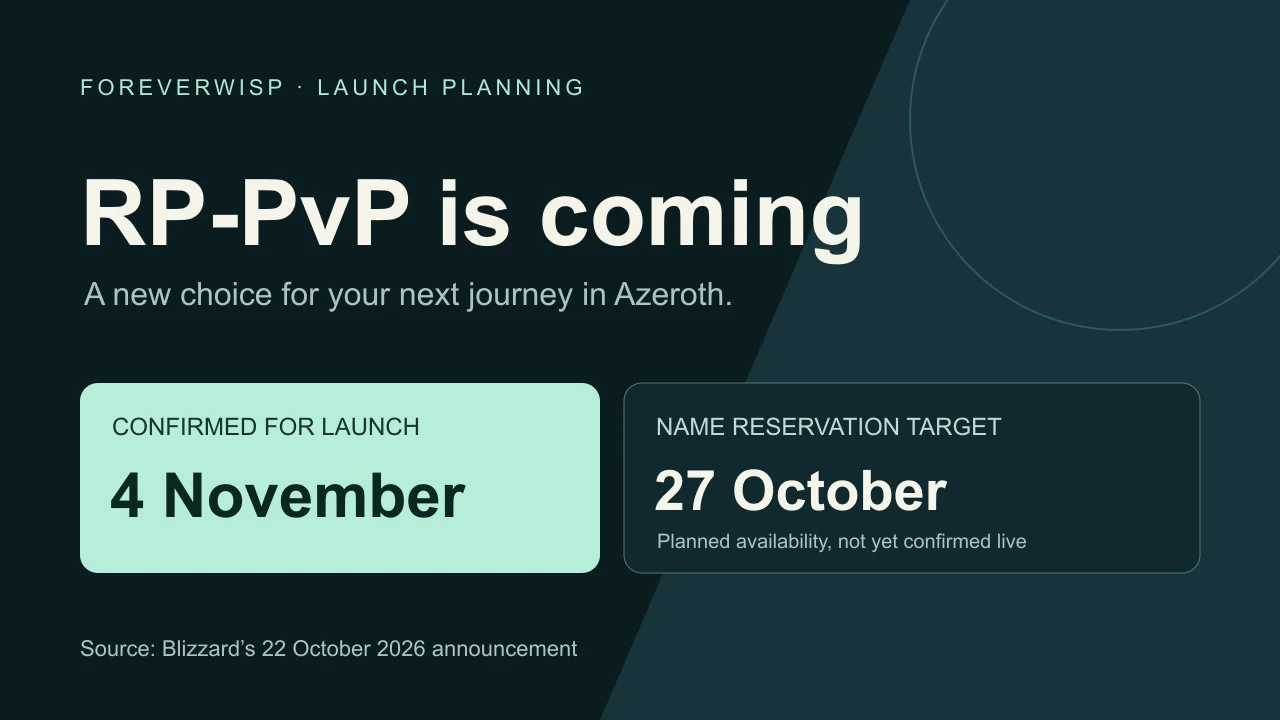
The beta closed on October 23. You do not need to get back into a beta realm to view this web recap. Blizzard’s next announced milestones are character creation on October 27 and the game’s launch on November 4.
In this article
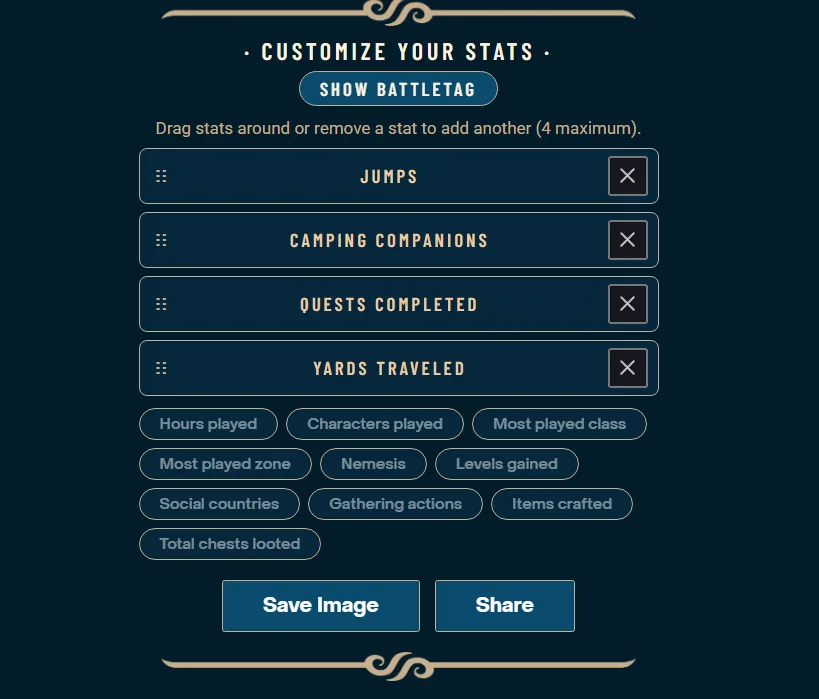
Blizzard Entertainment interface. Screenshot via Wowhead.
Open the recap on your Battle.net account
Use the Battle.net account you played on if the site asks you to sign in. Blizzard explains that generating the recap uses account, gameplay and transaction data and requires consent. Read that notice before choosing whether to continue.
If your recap does not appear, check the account first, then try reloading the page. We have not verified a minimum playtime requirement or a guaranteed refresh schedule. An empty recap is not enough to conclude that your beta character was missing or that its progress will transfer to launch.
Make a card with the stats you care about
At the bottom of the recap, the builder lets you select up to four statistics, rearrange them and save or share an image. Its choices include quests completed, gathering actions, items crafted and total chests looted. There is also a control for showing your BattleTag.
Pick a card that tells your own story. A gathering-heavy evening and a dungeon session can both be good nights without producing the same numbers. Check the final image before sharing so it shows only the details you want other people to see.
Use it to plan a character you want to play again
Our suggestion is to pair the numbers with what you remember enjoying. Did you keep returning to the same class? Did gathering turn into a pleasant detour, or did you spend the evening trying to find your way back to your quests? A recap is useful when it helps you make one better choice for launch.
Write down a small plan: your starting race, who you want to play with, and one profession you would like to keep up with. Then look through the opening route for that character. That gives you something practical to prepare while the realms are closed.
Wisp puts guide steps inside the game when you are ready to play. You can read the written starting routes now and decide whether that style of guidance suits you. The recap itself comes from Blizzard and is separate from Wisp.
Related reading and guides
Sources and review notes
- Wowhead: Get Your WoW Forever Beta Stats
- Blizzard: WoW Forever Beta Timewalking
- Blizzard: Thank You For Testing the WoW Forever Beta, October 23
Checked October 25 against Blizzard’s Timewalking page and Wowhead’s walkthrough. The image shows the published builder, not a ForeverWisp user’s private statistics.