WRITTEN ARTICLE · PARTY SYNCING AND LEVELING WITH FRIENDS
Leveling with friends in WoW Forever: how Wisp’s party sync works
Set up Wisp’s Share progress or Quest together modes, see who still needs quest objectives and fix common party-sync problems before heading out together.
Choose whether to share progress or wait for each other
If you have ever finished your last quest drop and started running back while a friend still needs three more, Wisp’s party controls are for that moment. Share progress shows your quest counters. Quest together adds waiting on supported shared quests.
Version 1.1.0 fixes a Forever-specific character-name problem that stopped party members being matched. Update everyone’s addon before trying the modes again.
In this article
Which party mode should you use?
| Mode | Best fit |
|---|---|
| Solo | Quest sharing and waiting are off. Choose this when you want to follow your own guide. |
| Share progress | Share quest counters while keeping your own pace. Useful when you are grouped but doing different things. |
| Quest together | Share counters and wait on supported shared objectives. Useful when you want to finish a quest before moving on together. |
Set it up before your first shared quest
Join a party with your friends and open Wisp. When it detects another party member using Wisp, the party card offers Quest together, Share progress or Not now. You can also choose your mode under Settings > Party.
For coordinated waiting, use the same guide and guide version, and make sure you are working on the same quest. Have each player choose Quest together. Being in the same zone alone does not make two different guide steps match.
Class quests do not hold the shared route. Decide together when to make those separate trainer or class-quest trips, then meet up again.
What happens when one person finishes first?
On a supported shared objective, Wisp can keep the completed player on the step while a partner finishes. The party card shows who you are waiting for, with quest counters when available.
Continue this step releases that step’s wait. It does not switch off waiting for later quests. Use Share progress if you want to stop coordinating your pace more generally.
Party sync does not give a friend missing quest credit, accept a quest for them or change the game’s loot rules. It helps you see each other’s progress so you can decide what to do.
If your friend’s progress does not appear
- Check that everyone has Wisp 1.1.0 or newer enabled. Older installs can hit the name-matching issue fixed in 1.1.0.
- Use a normal party. These controls are not a raid-progress tracker.
- Check each person’s party mode. Solo does not share counters.
- For waiting, compare the guide, its version and the current quest. Different routes can share a zone without sharing a step.
- If the panel says Progress unavailable, ask your friend directly. That message is not proof they have completed or abandoned the quest.
Keep the group together without planning every minute
You can still stop for a profession, take a dungeon invitation or split up for class work. Pick the mode that fits what you are doing now, then return to your shared route when everyone is ready.
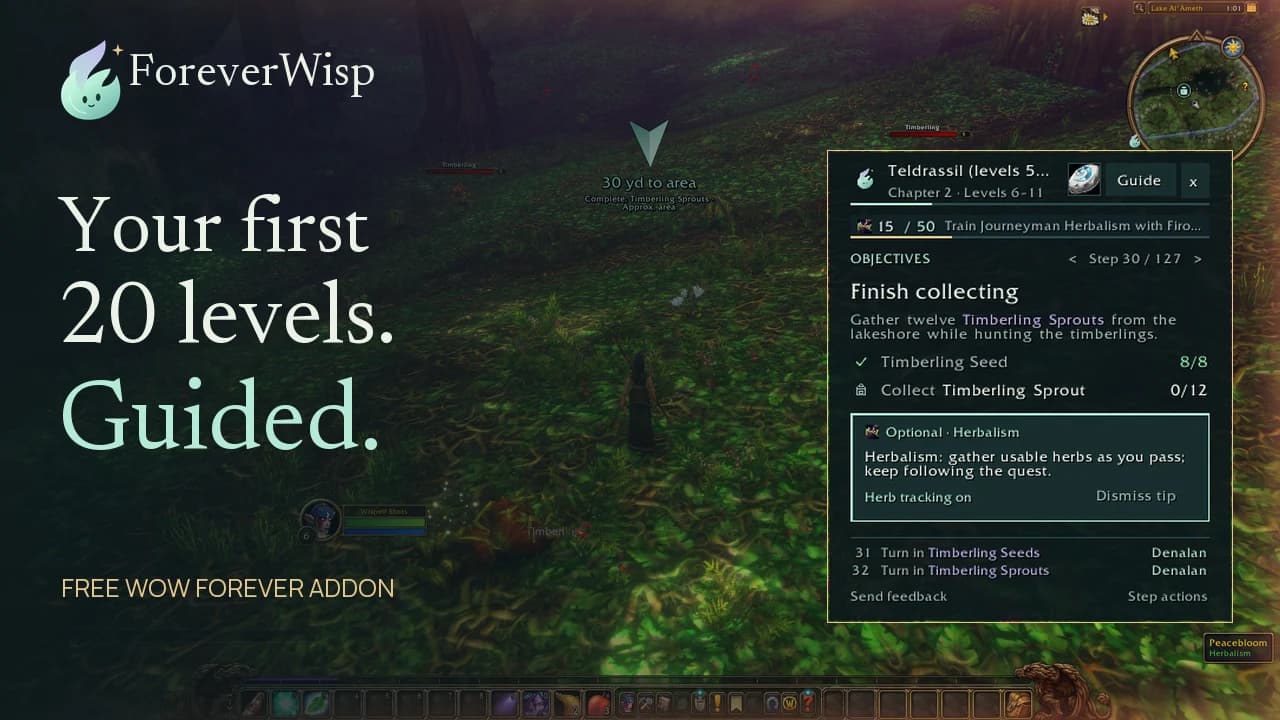
The overview below introduces Wisp’s wider guide tools. The party instructions above are based on the 1.1.0 release, whose in-game verification remains pending.
Related reading and guides
Sources and review notes
Checked November 4 against Wisp 1.1.0’s party controls, project documentation and release notes. No new multiplayer playtest is claimed.