WRITTEN ARTICLE · LAUNCH QUEST FIXES AND STARTING-ZONE RESPAWNS
WoW Forever launch respawns and quest fixes: what to check while leveling
Starting-zone respawns, Holy Diver XP and Counterattack changes are in the launch notes. Here is how to handle a crowded objective or a quest-guide mismatch.
Expect busier starting areas
Blizzard is accelerating respawns most in starting areas for launch, with lower-level rates intended to settle later. Holy Diver gains XP, Counterattack can be started through Rethgar Deathgate when inactive, and Gloomrise Hatchlings award less XP.
In this article
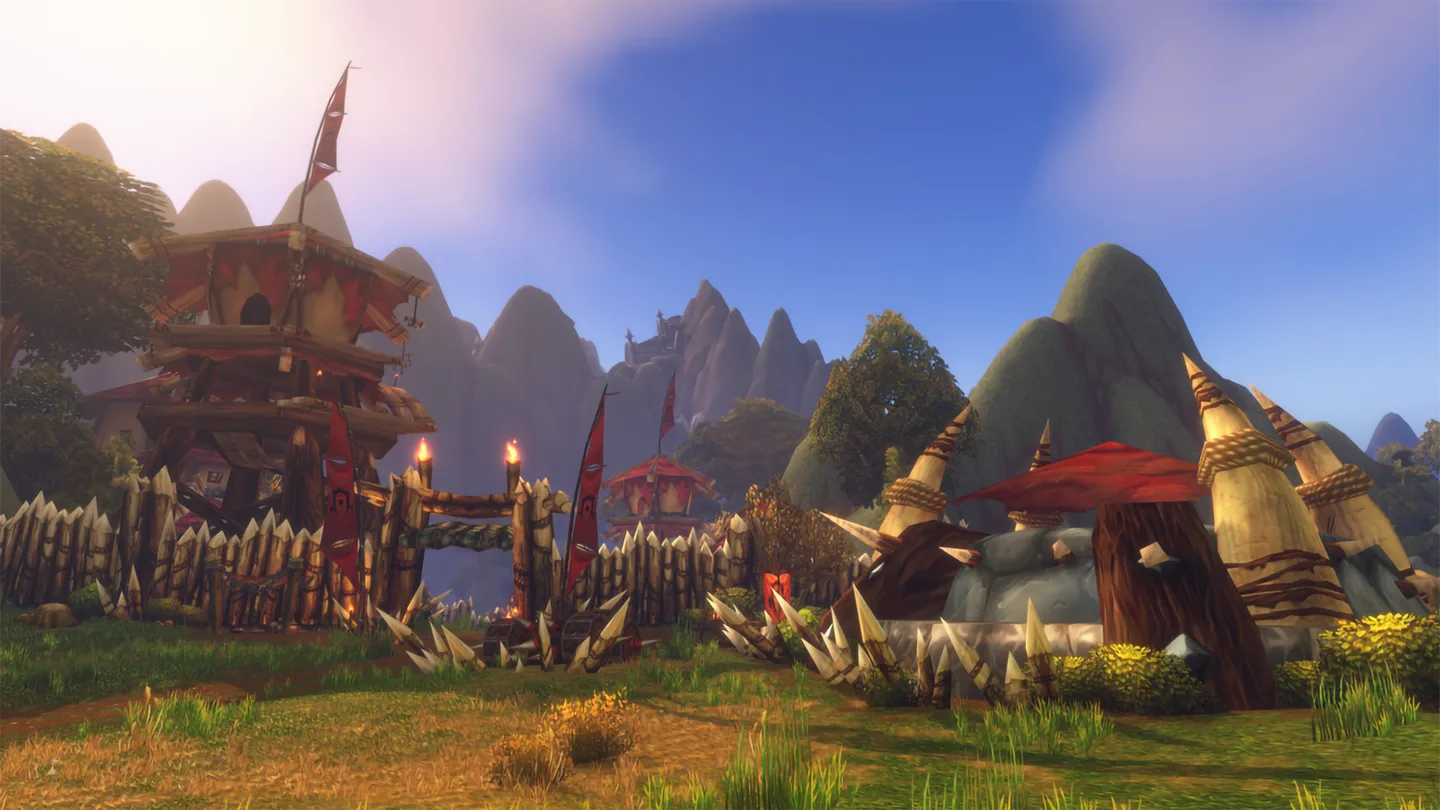
Image © Blizzard Entertainment.
A busy objective is not necessarily a broken quest
If the area is crowded, read the objective before deciding what has gone wrong. Check whether you need a kill, an item, a conversation or an event. A marker can get you to the right place without explaining why another player is standing there.
Our suggestion is to watch one cycle of activity before changing your plan. If a named enemy has just died, wait somewhere safe. If an event is already running, look for what is happening rather than repeatedly trying to start it.
When you group with another player, check your own objective counter after the action. Do not assume everyone received credit just because the group defeated the same enemy. Agree on who still needs the objective before moving on.
When your leveling guide and quest log disagree
| What you see | What to check first |
|---|---|
| The guide wants a quest you cannot accept | Read the NPC dialogue, your level and any earlier quests in the chain. Record the missing prerequisite if you can identify it. |
| The map points somewhere unexpected | Read the full objective and check the zone. Separate a travel instruction from the place where the objective is completed. |
| A turn-in is not available | Confirm the quest log says complete and check required items before leaving the area. |
| Your XP differs from a written route | Use your actual character level and available quests. Do not keep repeating an activity simply to match an old estimate. |
Send a useful report without losing your place
Before abandoning a quest or resetting a guide, take a note of the quest name, zone, character level and exact step. A screenshot of the quest text can be more helpful than a screenshot of an empty map.
If you use Wisp, include the addon version and guide name in your report. Describe what you expected and what happened instead. That gives us something specific to investigate without asking you to repeat your whole session.
Keep your quest progress intact while checking the problem. For an optional detour, you may be able to return later. For a required chain, confirm the prerequisite before travelling further.
Choose the route for the character you are playing
Our written starting guides let you read ahead, while Wisp brings the steps into the game. Use the route that matches your character and check any class-specific instructions before skipping them.
For launch, we would rather you have a clear next step and know when to ask for help than feel obliged to force your character through an instruction that no longer matches the game.
Related reading and guides
Sources and review notes
Checked November 3 against the official November 2 notes. These are announced changes. Troubleshooting steps are our advice and no new launch playtest is claimed.