WRITTEN ARTICLE · ADDONS
WoW Forever addons: which popular addons have Forever beta files
Which WoW Forever addons are available for the beta? Popular CurseForge addons with Forever files, where to install them, the built-in tools Blizzard added and how to troubleshoot errors.
Can you use addons in WoW Forever?
Yes. When we checked CurseForge on October 12, its WoW Forever filter listed 4,765 addon projects. The most downloaded results show WoW Forever files for game version 1.60.1.
Install beta addons into _classic_beta_/Interface/AddOns/ inside your World of Warcraft folder. Each addon folder must sit directly in AddOns with its .toc file inside, not one level deeper.
In this article
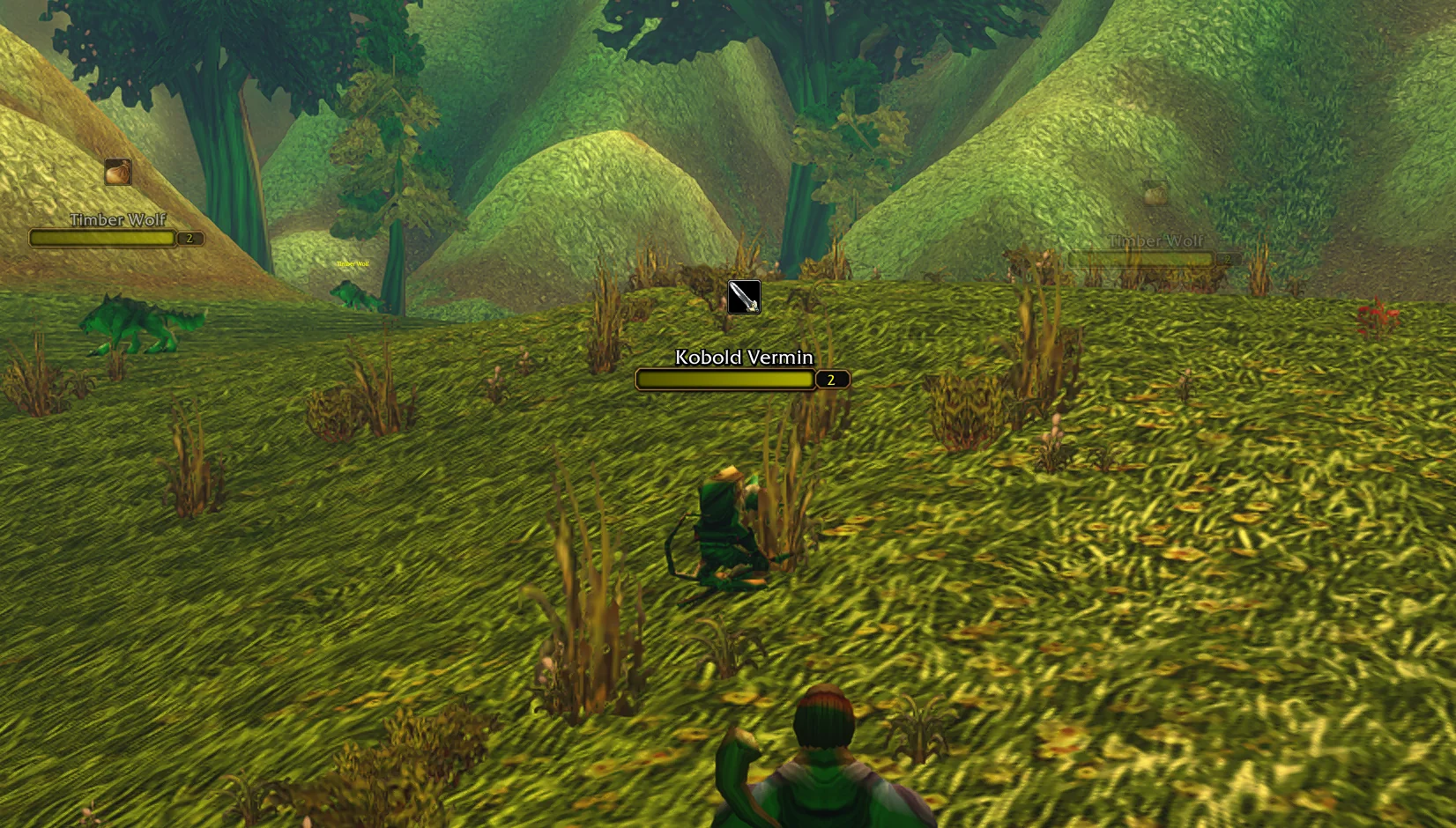
ForeverWisp beta screenshot. Game © Blizzard Entertainment.
Popular addons with a Forever file
The table below picks familiar addons from the first 50 results, sorted by total downloads. CurseForge download totals count every game version, so they say nothing about how many people run an addon in Forever.
The date is the last update CurseForge showed for the project. It can belong to a file for another game version, so open the project’s Files tab and check that a WoW Forever file is listed before you install.
| Addon | What it does | Last update shown |
|---|---|---|
| DBM - Deadly Boss Mods | Boss and dungeon timers with warnings | September 29 |
| BigWigs | Boss timers and warnings, an alternative to DBM | October 11 |
| GTFO | A sound alert when you stand in something harmful | October 5 |
| Details! Damage Meter | Damage, healing and threat meters | October 6 |
| Questie | Quest givers and objectives on your map | October 6 |
| RestedXP Guide | A step-by-step leveling guide addon | October 10 |
| TomTom | Waypoints and a direction arrow | October 6 |
| Bagnon | All your bags in one window | October 4 |
| Baganator | Bags in one window or sorted into categories | October 8 |
| Auctionator | Faster auction house searching and posting | October 2 |
| Bartender4 | Replacement action bars | October 2 |
| Plater Nameplates | Customisable enemy nameplates | October 10 |
| HealBot Continued | Click-to-heal party and raid frames | October 9 |
| ALL THE THINGS | Collection and completion tracking | October 11 |
Quest and leveling addons
Questie lists a Forever file updated October 6. It marks quest givers and objectives on the map, which suits players who want to choose their own order. RestedXP Guide also lists a Forever file.
Wisp, our own addon, takes a different approach. It follows one supported starting route at a time and shows the next quest step and directions beside your character. Our quest helper comparison explains which type suits which player and what each one covers in the beta.
Dungeon addons: maps, attunements and lockouts
Atlas lists a WoW Forever file, version 1.53.05, dated October 8. That is the core addon. Atlas map packs are separate CurseForge projects, so check each pack’s Files tab for a Forever file as well.
Attune lists Forever among its game versions, although its newest file is for another version. Nova Instance Tracker, for tracking instance entries and lockouts, has a Forever file updated October 6. DBM also lists Forever files for its separate dungeon and Vanilla boss modules, both updated September 20, which you install alongside DBM itself.
Tools Blizzard added that replace some addons
Check the built-in options before installing an addon for the same job. Blizzard’s beta notes describe three additions.
- Cooldown Manager: off by default. Turn it on in Options under Gameplay Enhancement. Since October 8 it supports every class, racial abilities and trinkets.
- View Talents: since October 8, right-click a player’s target frame and choose View Talents below Inspect.
- Quest levels: since October 8, the Quest Tracker shows quest level requirements, and the Quest Log, Quest Tracker and quest dialogue show quest types as text.
How to install a beta addon
Open the project’s Files tab on CurseForge and download the file marked WoW Forever. Extract the ZIP and copy the inner addon folder into _classic_beta_/Interface/AddOns/. If you use an addon manager, check that it installs into the beta folder and not your Classic or retail one.
Restart the game, then open AddOns on the character select screen. If an addon is marked out of date, check that you downloaded the Forever file and not a file for another game version.
If an addon throws errors
BugGrabber and BugSack both list Forever files. Together they collect Lua errors in a list instead of interrupting you, which makes it easier to see which addon is failing and to report it to its author.
To find a conflict, turn off every addon, then turn them back on one or two at a time. Type /reload after changes made in game. In WoW generally, addon settings are saved when you log out or reload, so a crash can lose changes you made since then.
A Forever listing is not a compatibility test
Several popular projects, including RareScanner, Pawn, Leatrix Plus and MoveAny, list Forever but showed a newest file for the current retail version when we checked. That can be normal for projects that publish several versions, but read the Forever file’s date and the project’s comments before relying on it.
The beta changes every week. A file that worked on an earlier build can break after an update, and authors may need time to catch up. ForeverWisp has not tested the third-party addons named here, so treat this page as a list of where to look, not a promise that each one works.
Related reading and guides
Sources and review notes
- CurseForge: WoW addons filtered to Forever, sorted by total downloads
- CurseForge: Atlas project and WoW Forever file
- Blizzard: September 24 beta development notes
- Blizzard: October 8 beta development notes
Written October 12 from CurseForge’s WoW Forever addon filter and project pages, checked that day, and Blizzard’s September 24 and October 8 beta development notes. A Forever file on CurseForge is the author’s listing. ForeverWisp has not tested any third-party addon in this article.